Quick Summary:
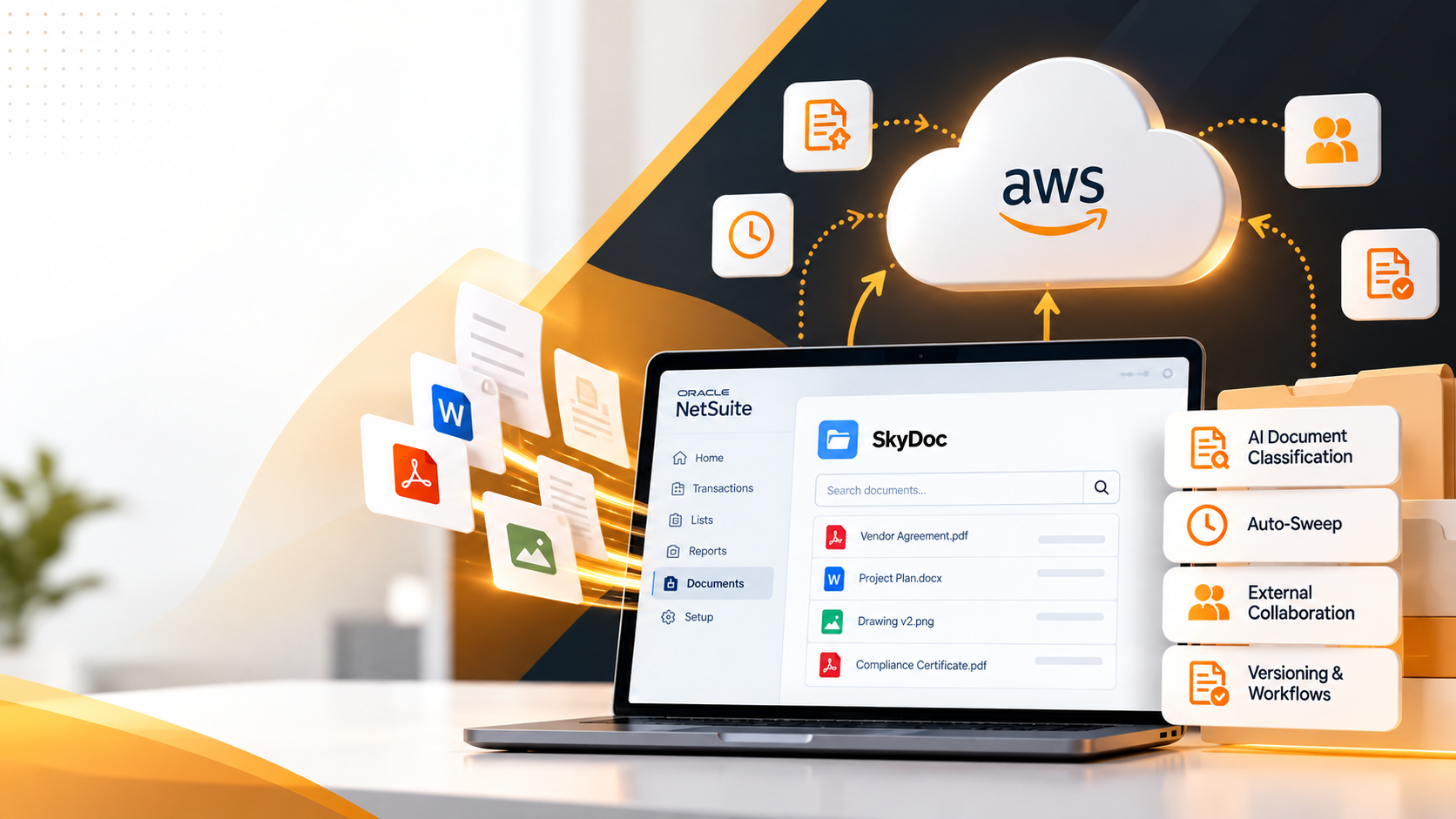
SkyDoc extends NetSuite's native File Cabinet with cloud document storage powered by Amazon S3, connected directly to your own AWS account rather than a pool Tvarana manages. It replaces the File Cabinet's fixed, license-bound capacity with pay-as-you-go pricing, and pairs that with Auto-Sweep (which clears existing File Cabinet attachments into the cloud on a schedule), AI-based document classification for incoming files, and external collaboration the native File Cabinet doesn't offer.
Quick Takes:
NetSuite manages your transactions, your financials, and your customer records with precision. What it was never built to handle is the volume of documents that those transactions generate. Purchase orders, vendor contracts, signed agreements, compliance certificates, employee files. The list grows with every deal closed and every audit completed. Cloud document storage fills that gap, and how it connects to your ERP determines whether it helps or just adds another system to manage.
SkyDoc, Tvarana's native NetSuite SuiteApp, brings document management and storage directly inside NetSuite. It is, in plain terms, cloud-based file management that lives where your records already do. It's powered by Amazon S3, built for scale, and designed so that teams never have to leave their ERP to find, upload, or act on a file.
Before getting into what SkyDoc does, it's worth understanding exactly where NetSuite's File Cabinet hits its limits.
The File Cabinet is a built-in file management tool that works fine at low volumes, but it was built as a convenience feature, not an enterprise storage layer. As organizations scale, three problems surface consistently:
These complaints show up across industries: manufacturing teams managing drawing revisions, finance teams handling invoice backlogs, HR teams maintaining employee documentation. The native tool simply wasn't designed for this load.
SkyDoc replaces the File Cabinet's storage layer with AWS S3 while keeping the entire experience inside NetSuite. From a user's perspective, nothing changes about where they work. From an infrastructure perspective, everything changes about where files live.
Here's how the core NetSuite document management integration works:
The result is document management in the cloud that behaves like a native NetSuite feature because it is one.
One of SkyDoc's most operationally significant features is Auto-Sweep, and it rarely gets the attention it deserves in standard product comparisons.
Auto-Sweep automatically moves files that are already attached to NetSuite records, transactions, entities, cases, or activities, out of the File Cabinet and into SkyDoc's cloud storage on a schedule you configure. It can also clear the original from the File Cabinet once the move is confirmed, so the storage it was taking up is freed for good.
No manual export. No re-uploading years of old attachments by hand. No hunting through folders to figure out what's safe to move.
Paired with SkyDoc's separate External Email Upload feature, which lets a vendor or colleague attach a file to a NetSuite record simply by emailing it in, most of the day-to-day manual filing disappears too. For teams sitting on a File Cabinet that's grown for years, particularly in procurement, accounts payable, and HR, that combination is what actually moves the needle.
One of the structural advantages of building on AWS S3 is the pricing model it enables. Unlike NetSuite's File Cabinet, where storage capacity is bundled into licensing in ways that make expansion expensive, SkyDoc operates on a pay-as-you-go basis.
What this means practically:
For CFOs and IT leaders evaluating the total cost of ownership, this model makes the financial case straightforward. You stop paying for capacity you don't use, and you stop hitting walls when you need more.
Beyond storage infrastructure, SkyDoc's feature set covers the document management and storage capabilities that enterprise teams actually need day-to-day.
SkyDoc also adds file preview, file checkout, cross-transaction move and copy, DocuSign-based digital signatures, and QR code uploads. These are smaller conveniences, but they add up for teams handling documents daily.
Every item in this list represents a workflow that teams are currently handling manually or through workarounds when using the native File Cabinet alone.
SkyDoc's cloud document storage integration is built for NetSuite users, but the teams that see the most immediate return tend to share one characteristic: high document volume relative to the number of people managing it.
SkyDoc is listed on NetSuite's own SuiteApp.com marketplace, with deployments across manufacturing, retail, energy, advertising, and education, reflecting how broadly the underlying problem of NetSuite file management applies across sectors.
NetSuite is a strong ERP. Cloud document storage that scales with it is what makes it a complete operational platform. SkyDoc extends NetSuite's native capabilities with AWS S3 infrastructure, automatic File Cabinet cleanup through Auto-Sweep, pay-as-you-go pricing, and the full range of file management features that the native File Cabinet was never designed to provide.
For teams that are hitting storage ceilings, managing documents manually, or building workarounds to share files with external stakeholders, SkyDoc represents a direct resolution without leaving NetSuite, without adding a separate system, and without overpaying for capacity you haven't used yet.
Our team is available to walk you through the SkyDoc integration and help determine the right configuration for your NetSuite environment.



Tvarana is an award-winning
Oracle NetSuite Consulting Firm
and an SDN partner.
info@tvarana.com